
Last Updated on October 1, 2026 by Digiinte.com Team
Instagram still doesn’t give you a native save-to-device button for most content, so the moment you want to keep a Reel for later, archive a Story before it disappears, or pull a client’s post for a presentation, you’re stuck pasting links into third party tools. I went through the current crop of these, the ones that keep showing up across every list, and actually tested what each one handles well versus what it just claims to.
- Key Takeaways
- Why Stories Are Harder to Download Than Everything Else
- What Actually Matters When Choosing One
- Comparison Table
- 1. FastDL
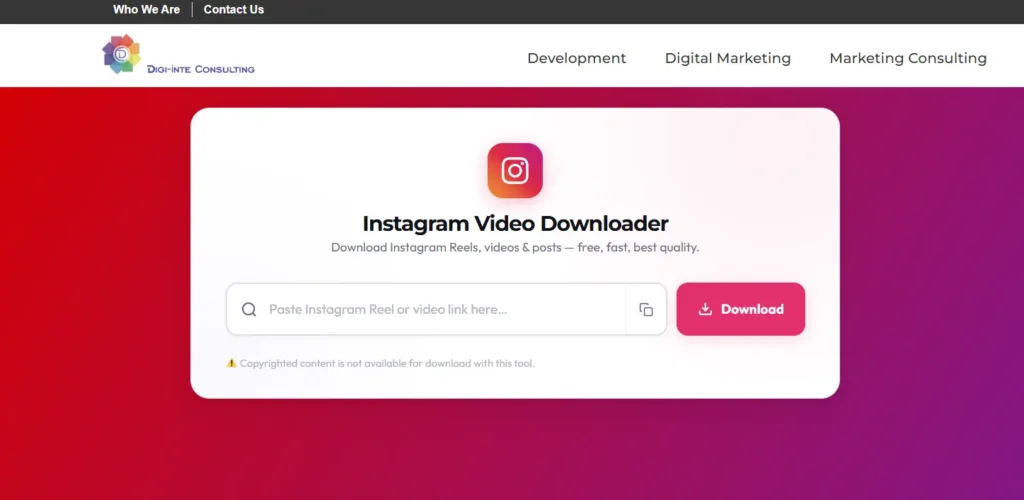
- 2. Digiinte Instagram Video Downloader
- 3. SnapInsta
- 4. iGram
- 5. SaveInsta
- 6. Snapgram
- 7. InstaDownloader
- 8. Inflact
- 9. Grabfy
- 10. 4K Stogram
- Downloading From Other Platforms
- Frequently Asked Questions
- Conclusion
Key Takeaways
- The Digiinte Instagram Video Downloader and FastDL are the most reliable all-rounders for videos, Reels, and photos with no login required
- Stories are the hardest content type to download reliably, since they expire in 24 hours and a tool has to catch them live
- Most free web tools only grab the first slide of a carousel post, not the whole set, check this before assuming full coverage
- 4K Stogram is the only tool here built for real batch downloading, worth it if you’re archiving an entire account rather than one post
- None of these tools work on private accounts you don’t follow, and any tool claiming otherwise should be treated with suspicion
- Only download content you have the right to save, your own posts, content shared with permission, or clearly public domain material
Why Stories Are Harder to Download Than Everything Else
This is the part every other list glosses over. A regular Instagram post or Reel sits on a permanent URL you can paste into a downloader whenever you want. A Story disappears after 24 hours, which means a downloader tool has to grab it while it’s still live, there’s no “download it later” option once it’s expired. That’s why you’ll see tools confidently list “Stories” as a supported feature, then fail half the time when you actually try it on a specific link. If Story downloads matter to you specifically, that’s worth weighing more heavily than the marketing copy on any single tool’s homepage.
What Actually Matters When Choosing One
- Does it handle the full carousel, not just slide one? A lot of tools technically “support” carousel posts but only pull the first image or video in the set.
- Does it ask for your Instagram login? It shouldn’t, for public content. A downloader requesting your Instagram credentials is asking for more than the task requires.
- How does it handle Reels specifically versus regular video posts? Reels and standard video posts are technically different content types on Instagram’s backend, and some older tools handle one well and the other poorly.
- Is batch downloading available if you need it? Most free web tools are one-URL-at-a-time. If you’re backing up dozens of posts, that distinction matters a lot.
Comparison Table
| Tool | Type | Reels | Stories | Carousel | Login Required |
| FastDL | Web-based | Yes | Yes | Partial | No |
| Digiinte Instagram Video Downloader | Web-based | Yes | Yes | Yes | No |
| SnapInsta | Web-based | Yes | No | Yes | No |
| iGram | Web-based | Yes | Yes | Yes | No |
| SaveInsta | Web-based | Yes | Partial | Yes | No |
| Snapgram | Web-based | Yes | Yes (strongest) | Yes | No |
| InstaDownloader | Web-based | Yes | Yes | Partial | No |
| Inflact | Web-based | Yes | Yes | Yes | No |
| Grabfy | Web-based | Yes | Yes | Yes | No |
| 4K Stogram | Desktop app | Yes | Yes | Yes | Optional |
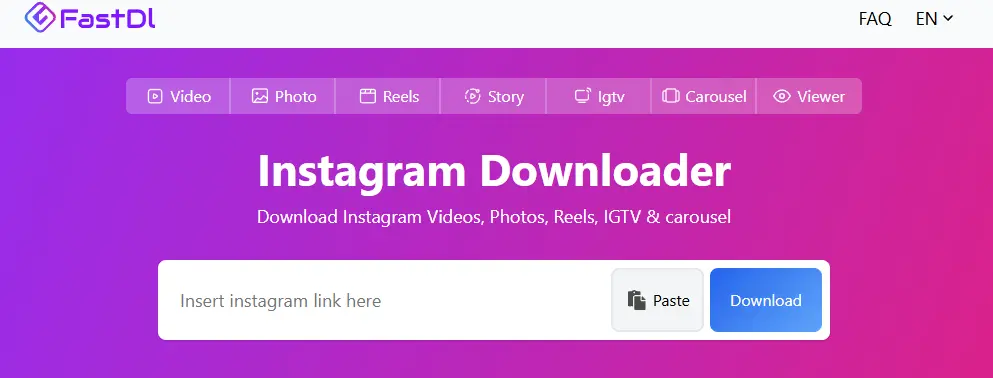
1. FastDL
FastDL covers the widest range of content types in one place, video posts, Reels, Stories, and photos, and it processes links quickly without redirecting you through five ad pages first. It’s also one of the few tools here that works smoothly across both mobile and desktop browsers without feeling clunky on a phone screen.
Best for: a reliable, all-purpose downloader you can bookmark and use across every content type Instagram offers.
2. Digiinte Instagram Video Downloader
This is our own tool, so take the recommendation with that in mind, but it’s built around the same straightforward logic every genuinely good downloader on this list follows, no clutter, no forced signup, no watermark on the file you download.
How to use it:
- Open the Instagram app or site and find the video, Reel, or post you want to save.
- Tap the three dots (or the paper plane Share icon) on the post and select Copy Link.
- Go to the Digiinte Instagram Video Downloader.
- Paste the link into the input box.
- Click Download, and the file saves directly to your device, phone, tablet, or computer, no app required.
It works the same way whether you’re grabbing a Reel, a regular video post, or a carousel slide, and since it’s browser based, there’s nothing to install on either mobile or desktop.
Best for: anyone who wants a clean, ad-light option directly from a site they already trust, especially if you’re already using our YouTube or Facebook downloaders and want one consistent workflow across platforms.
3. SnapInsta
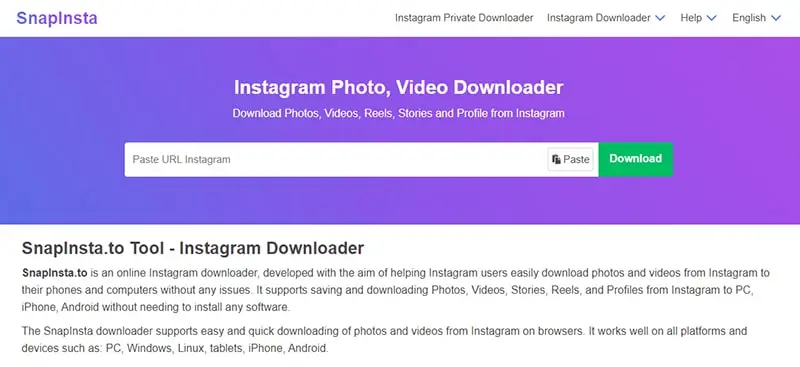
SnapInsta keeps things simple, videos, Reels, and photos, no login, no account. It’s noticeably clean compared to some of the more ad-cluttered alternatives, which matters if you’re doing this from a phone where popups are more disruptive.
Best for: quick, no-frills downloads when you don’t need Stories support specifically.
4. iGram
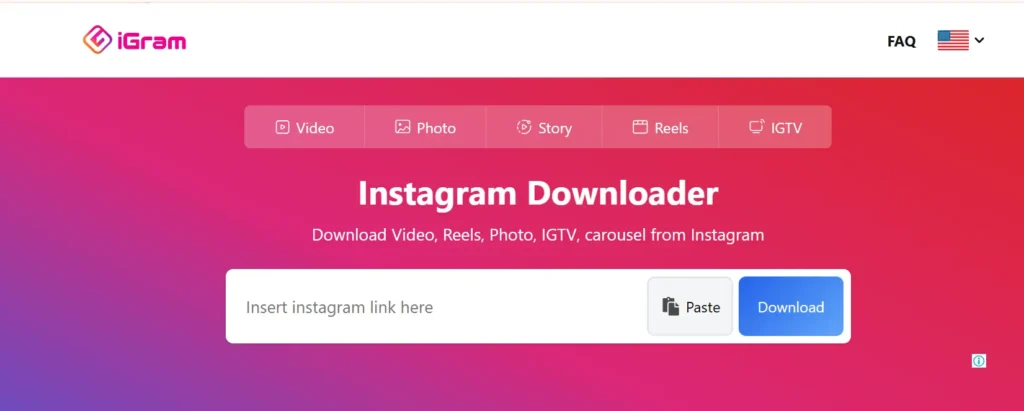
iGram covers a genuinely broad spread of content, videos, Reels, Stories, IGTV, and carousels, in one tool rather than needing a separate one for each content type. It’s a solid default if you’re not sure yet what mix of content you’ll be downloading regularly.
Best for: someone who wants one bookmark that handles whatever Instagram content type comes up.
5. SaveInsta
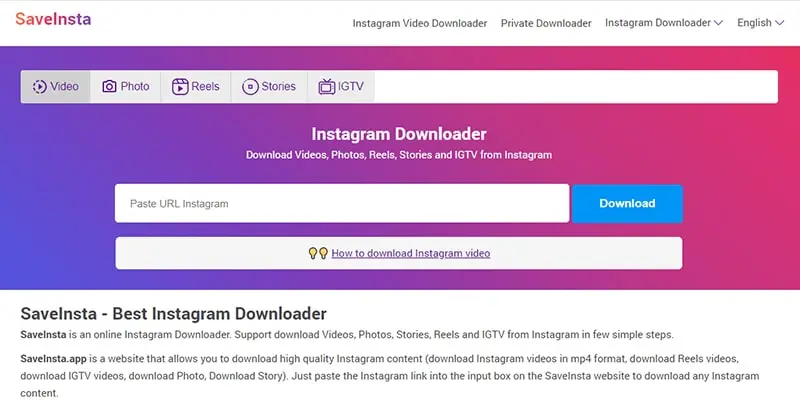
SaveInsta handles Reels and carousels well, though Stories support is a little inconsistent, which tracks with the broader point about how technically difficult reliable Story downloading actually is. Where it does shine is carousel posts, it’s one of the more reliable options for grabbing the full set of slides rather than just the first one.
Best for: carousel-heavy downloads specifically, less so if Stories are your main use case.
6. Snapgram
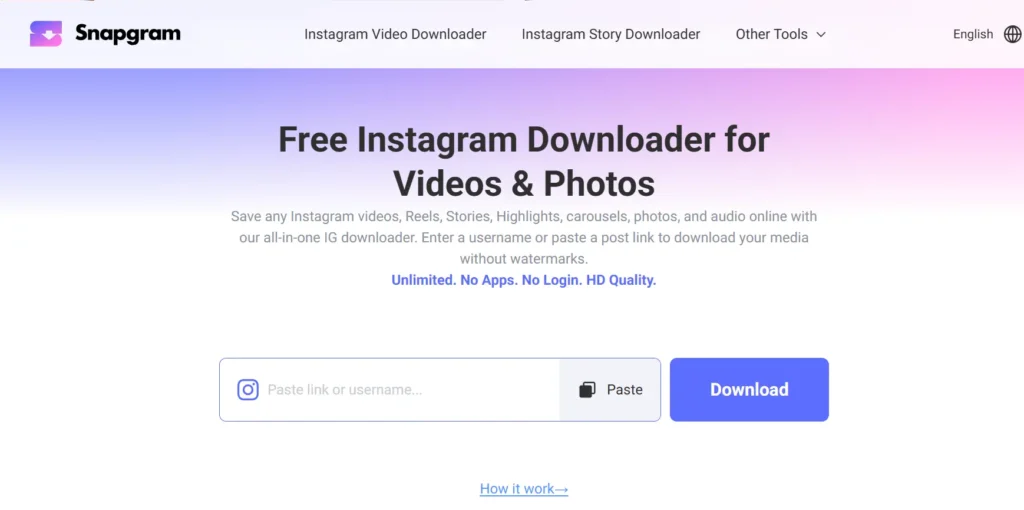
If Stories are actually what you’re after, Snapgram is the strongest option on this list for that specific content type. It processes Story links more reliably than most competitors, which matters given how much harder this content type is to catch in the first place.
Best for: Story downloads specifically, where most other tools are hit or miss.
7. InstaDownloader
InstaDownloader keeps a straightforward, paste-and-download workflow with decent coverage across videos, Reels, and Stories. It won’t surprise you with extra features, but it’s dependable for the basics.
Best for: someone who wants a middle-of-the-road option that just works without a learning curve.
8. Inflact
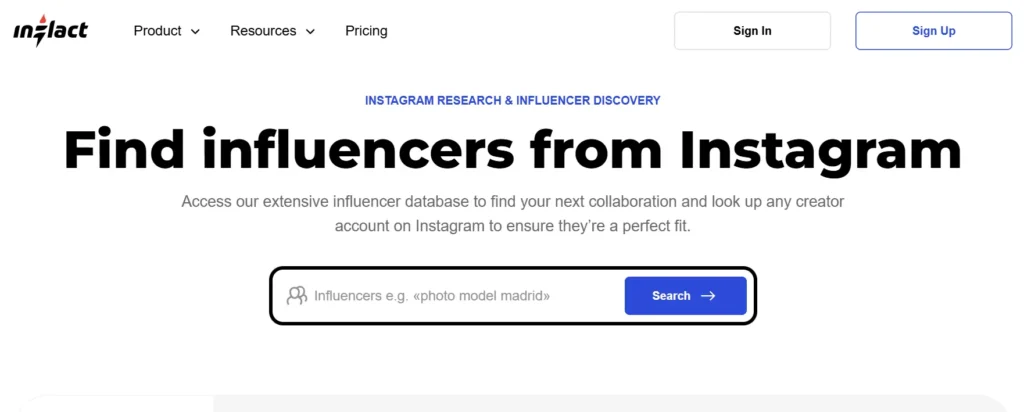
Inflact goes a step further than most free tools by also covering Highlights and profile pictures, not just the standard content types. If you’re doing anything resembling research or reference gathering on a public account rather than just saving one video, that broader scope is useful.
Best for: gathering a fuller picture of a public account, not just a single post.
9. Grabfy
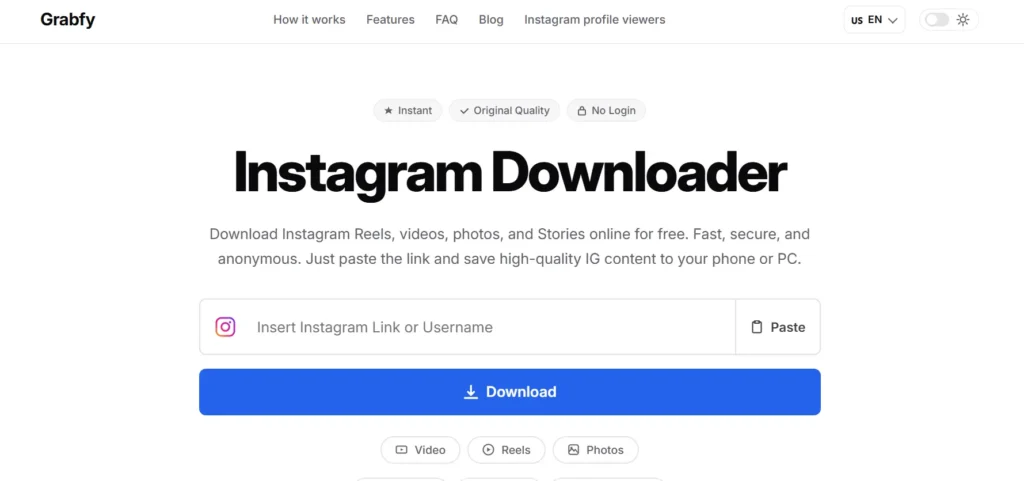
Grabfy bundles a Story Viewer and Story Saver into the same tool as its regular video and Reel downloader, and it’s upfront that Story access is limited to public profiles, which is more honest framing than some competitors offer. The whole workflow runs in browser on both mobile and desktop with nothing to install.
Best for: people who want Stories, Reels, videos, and carousels covered by one consistent tool.
10. 4K Stogram
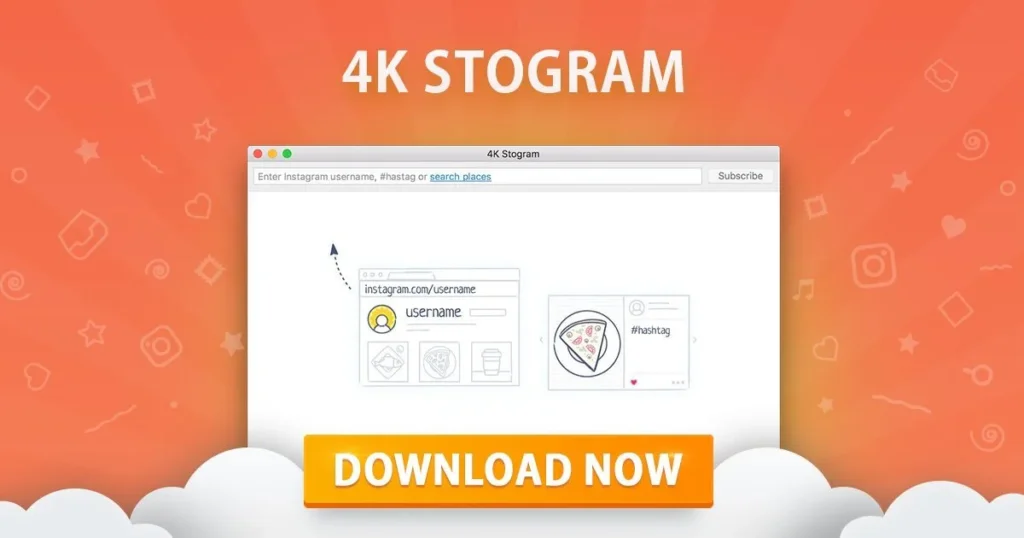
4K Stogram is the one genuine desktop app on this list, and it’s built for a different use case entirely, batch downloading an entire account’s worth of content rather than one link at a time. If you’re archiving your own account as a backup, or need dozens of posts from a public account for a legitimate research or reference purpose, this is the only tool here actually built for that scale.
Best for: batch downloading, not one-off single post saves.
Downloading From Other Platforms
If Instagram isn’t the only platform you’re pulling content from, the same principles here mostly carry over. Our 9 best YouTube video downloader tools guide covers the YouTube side in the same depth, including which tools handle playlists and which are built for quick one-off saves. We’ve also covered Facebook video downloader tools separately, including the same legality and watermark considerations that apply here.
Frequently Asked Questions
Conclusion
For general, everyday downloading across videos, Reels, and photos, FastDL or SnapInsta cover the basics cleanly. If Stories are specifically what you’re chasing, Snapgram handles that narrow, time-sensitive use case better than the rest. And if you’re archiving an entire account rather than grabbing one link at a time, 4K Stogram is the only real option built for that scale. As with any downloader, stick to public content you have a genuine right to save.

Behind every post at digiinte.com is a team of experienced SEO analysts and digital growth specialists. Our insights are backed by real data, industry research, and hands-on campaign experience — so you get advice that actually moves the needle.