
Last Updated on October 3, 2026 by Digiinte.com Team
Posting live every day is hard when you also run the business. One missed day turns into three, and your page goes quiet. A free social media scheduler fixes that. You write posts once, pick the times, and the tool publishes them for you.
The catch is the word free. One plan lets you queue 10 posts per channel. Another stops you at 20 posts a month. One gives you 50 posts for life. This guide checks nine free plans as of October 2026, so you can pick the free social media scheduler for small business use that matches how often you post. It sits alongside our guide to digital marketing tools for small business, which covers the wider toolkit.
Key Takeaways
1. Buffer has the most balanced free plan for most small teams: 3 channels and 10 queued posts for each.
2. Adobe Express allows up to 1,000 posts a month on its free plan, with one account per network.
3. If you only use Facebook and Instagram, Meta Business Suite is free and has no plan to outgrow.
4. Check network support first. Publer Free skips X, and Metricool Free skips both LinkedIn and X.
5. Free limits change fast. Metricool cut its free plan from 50 to 20 posts a month, and many reviews still show the old number.
Quick Comparison of the 9 Free Plans
| Tool | What the free plan gives you | Best for |
| Buffer | 3 channels, 10 queued posts per channel | Simple scheduling for a few accounts |
| Metricool | 1 brand, 20 posts a month, no LinkedIn or X | Owners who want analytics |
| Publer | 3 accounts (no X), 10 queued posts each | Buffer style queues on a budget |
| Meta Business Suite | Free for Facebook Pages and Instagram | Businesses that only use Meta apps |
| Adobe Express | Up to 1,000 posts a month, 1 account per network | People who design their own graphics |
| Pallyy | 1 social set, 15 posts a month, images only | Instagram first brands |
| Social Champ | 3 accounts, 15 scheduled posts | Small teams that want an inbox |
| Fanpage Karma | Free publishing plan, limits vary by source | Planning with approvals |
| Planable | First 50 posts you create, one time | Getting client or boss approval |
The 9 Best Free Social Media Schedulers for Small Business
1. Buffer
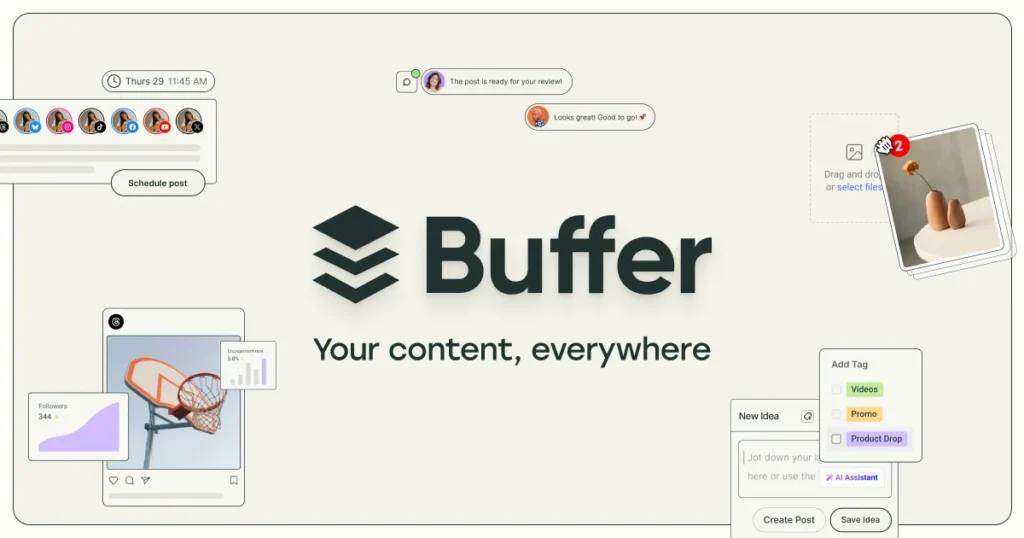
Buffer is the tool most people try first, and the free plan explains why. You can connect 3 channels and keep 10 scheduled posts in the queue for each one, so up to 30 posts can wait at once. When a post goes live, a slot opens again. That makes it a queue limit, not a monthly limit, and many guides get this wrong. Free also includes one user, an AI assistant, 100 saved ideas, a link in bio page, and 30 days of analytics. We also mention Buffer in our small business marketing tools roundup.
- Best for: solo owners and creators with a few accounts.
- Watch out for: Buffer notes a lifetime cap of 8 unique channel connections on Free, so avoid connecting and removing accounts for fun. Paid plans start at $5 per channel per month on annual billing.
2. Metricool
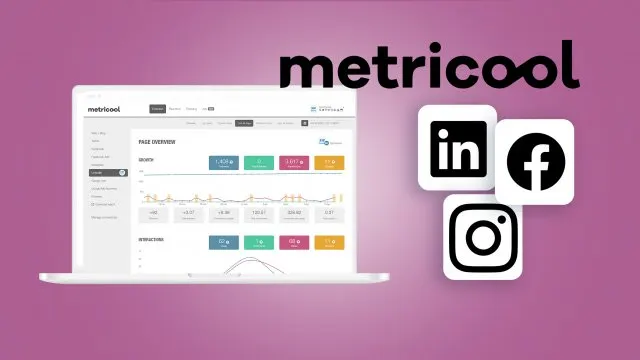
Metricool leans toward analytics, so it suits you if you want to see what worked, not just post. The free plan covers one brand, 20 scheduled posts a month, 30 days of analytics, and 5 competitor profiles. It connects most networks, but not LinkedIn or X. Metricool’s help page says the count resets on the 1st of each month and counts only posts that actually published.
One warning. Older reviews still say 50 posts a month. That was true until the end of 2025, then the free plan was cut to 20.
- Best for: a single brand on Instagram, Facebook, TikTok or Pinterest.
- Watch out for: no LinkedIn or X on Free. Paid plans start at about $20 a month on annual billing.
3. Publer
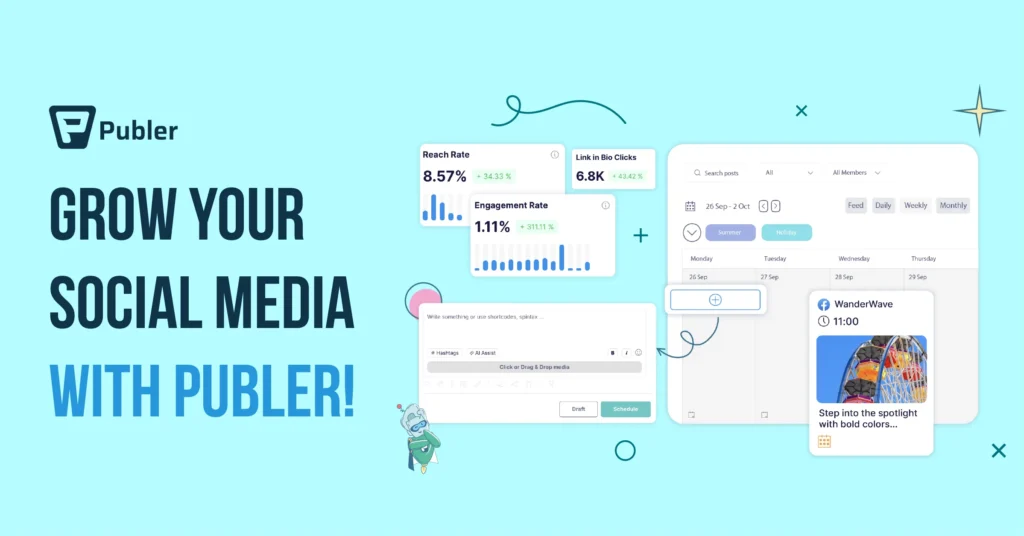
Publer feels a lot like Buffer. The free plan connects 3 social accounts and holds 10 scheduled posts at a time for each account, so 30 in total. You also get 25 saved drafts and a calendar view. The limits show up in the details. X is not allowed on Free, and your post history disappears after 24 hours. Pinterest also has extra rules on the free tier.
- Best for: small brands that want a queue and a bit more room for drafts.
- Watch out for: no X, and a 24 hour post history. Paid plans start at $5 a month for one account.
4. Meta Business Suite
If your business lives on Facebook and Instagram, start here. It is Meta’s own free tool, so there is no plan to outgrow. You need a Facebook Page, and your Instagram account must be a Business or Creator account. Personal profiles cannot be scheduled. Posts must be set at least 20 minutes ahead. Most guides say you can schedule up to 75 days out, though one source reports about 29 days, so check the date picker inside your own account.
You can plan feed posts, Reels and Stories and see them on one calendar. The trade off is simple. It only covers Meta apps.
- Best for: local shops, clinics, restaurants and anyone who posts on Facebook and Instagram only.
- Watch out for: no LinkedIn, X, TikTok or Pinterest.
5. Adobe Express Content Scheduler
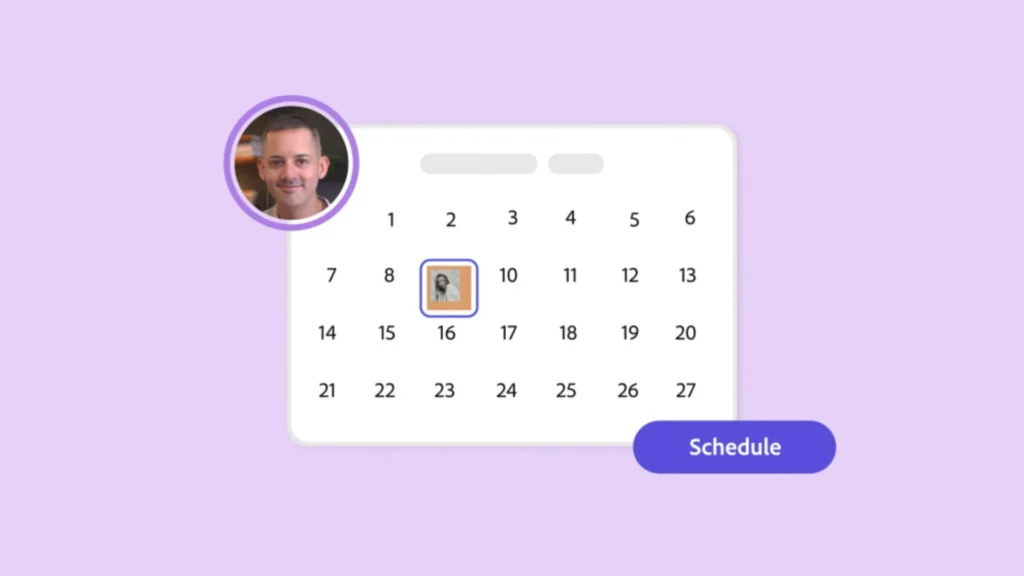
Many people already make their graphics in Adobe Express, and its Content Scheduler lets them publish from the same place. According to Adobe’s help page, updated in August 2026, the free plan allows up to 1,000 posts a month and one account for each network: Facebook, Instagram, X, Pinterest, LinkedIn, TikTok and YouTube. Premium costs $9.99 a month and lets you connect three accounts per network.
It is a design app first, so reporting is light. For many small businesses, that is a fair deal.
- Best for: owners who design their own posts and want a large monthly allowance.
- Watch out for: limited analytics and only one account per network on Free.
6. Pallyy
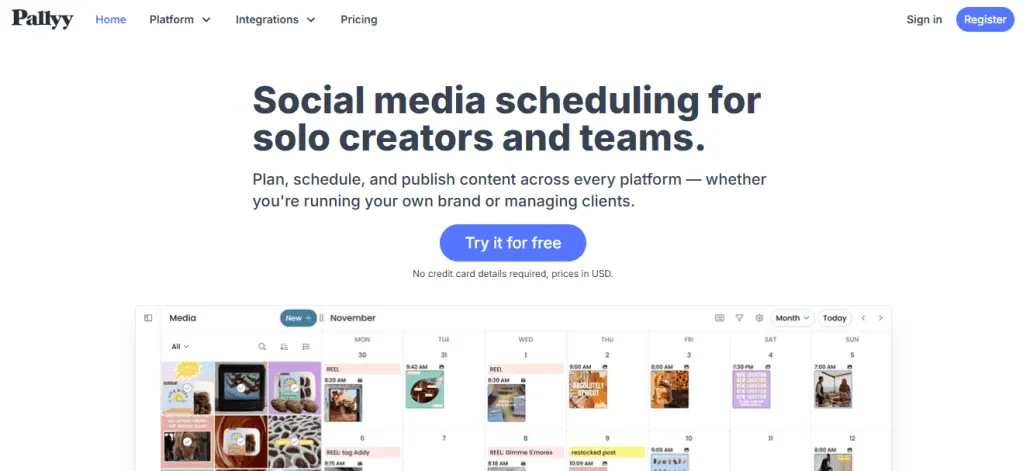
Pallyy is popular with Instagram first brands because of its visual feed planner. Its free plan gives you one social set, which means one account per platform, plus 15 scheduled posts a month and basic analytics. Pallyy’s pricing page also says Free is for image posts only. If you plan to schedule video, you will hit that wall quickly. The Pro plan costs $25 a month and removes the post cap.
- Best for: small Instagram and Facebook accounts that post mostly photos.
- Watch out for: 15 posts a month and no video on Free.
7. Social Champ
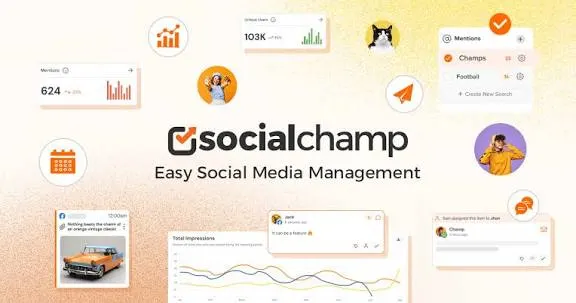
Social Champ’s free plan covers 3 social accounts and 15 scheduled posts. It also includes a social inbox, bulk upload for 15 posts, and a few AI credits. That inbox is useful, because replying to comments is part of managing social media, not only posting. These details come from Social Champ’s own 2026 guide, so check them on its pricing page. The same guide lists its Starter plan at about $4 a month per profile.
- Best for: small teams that want scheduling and replies in one place.
- Watch out for: a low 15 post cap, and AI credits that run out.
8. Fanpage Karma
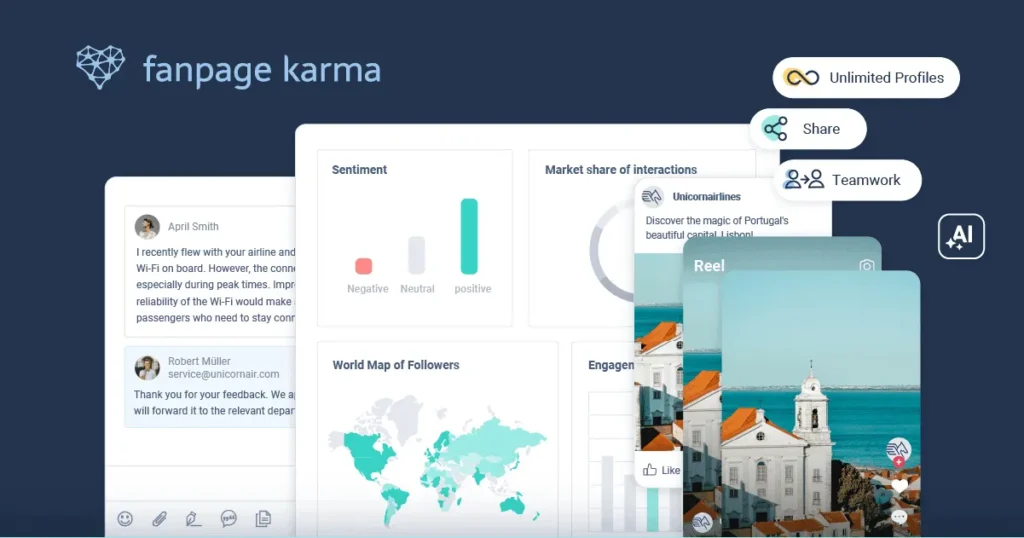
Fanpage Karma started as an analytics tool and now offers a free publishing plan with an editorial calendar and an approval flow. Here is the tricky part. Its current plans page lists Free as one user, one brand, five own profiles, and 50 posts a month, with 30 days of analytics. An older Fanpage Karma page and several review sites list unlimited profiles and up to 100 posts per profile each month. We could not confirm which version new sign ups get, so check your account on day one.
- Best for: brands that need a calendar and a simple approval step.
- Watch out for: plan details that differ between sources.
9. Planable
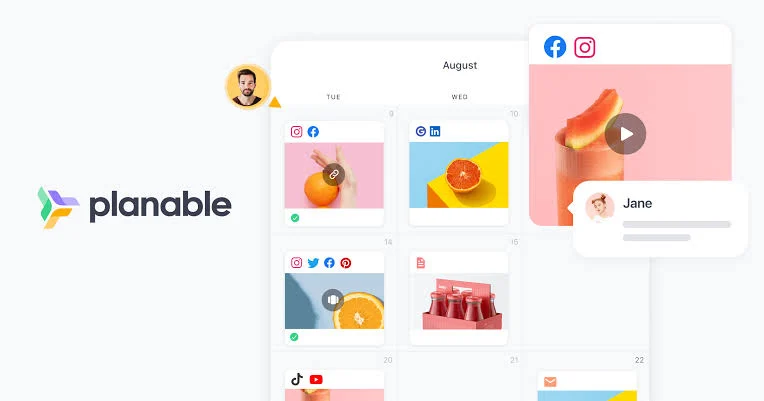
Planable is built for getting posts approved. Clients or managers see how a post will look, leave comments, and sign off. Its help page says the free plan lets you create the first 50 posts, one time, and the limit does not reset. You can add as many users and workspaces as you need. Think of it as a long trial of the approval flow. Paid plans start at roughly $33 to $39 per workspace each month, depending on billing.
- Best for: freelancers and small agencies who need client sign off.
- Watch out for: once you create 50 posts, you must upgrade.
How to Schedule Social Media Posts for Free
The steps are the same in almost every tool. Here is the short version:
- Pick the networks your customers really use. Two active accounts beat five empty ones.
- Check your account type. Instagram needs a Business or Creator account for most schedulers, and Facebook needs a Page.
- Connect your accounts with the tool’s official login screen. Never share your password in a form.
- Write posts in one batch. One focused hour can fill a week.
- Choose posting times from your own insights, then adjust after two weeks.
- Open the calendar once a week to fix typos, swap weak posts, and add anything timely.
Schedule Instagram and Facebook Posts for Free
For these two networks, you have an extra choice. You can use the free Meta Business Suite, or the Instagram app itself, instead of a third party tool. Both let Business and Creator accounts plan feed posts, Reels and carousels ahead of time. A third party tool becomes worth it when you add LinkedIn, TikTok or Pinterest, or when you want one calendar for everything.
Free Social Media Content Calendar: Plan a Month in One Hour
A scheduler only helps if you have something to schedule. Keep your calendar simple. Pick three kinds of posts, such as a helpful tip, a customer story, and an offer. Rotate them across the week. Fill one month in a single sitting, then let the tool do the rest.
Reuse what you already own. If you posted a good video on Facebook last year, save it with our free Facebook video downloader and schedule it again as a Reel or short on another network. Only reuse videos you own or have permission to use, and trim them to fit each network.
Free Social Media Management Tools: What Manage Really Means
Scheduling is only one part of managing social media. Before you pick a tool, check which of these the free plan includes:
- Inbox: Buffer and Social Champ list an inbox on their free plans, so you can reply to comments without opening each app.
- Analytics: Buffer and Metricool both give 30 days of history on Free. That is enough to spot your best posts, but not to plot a year.
- Approvals: Planable and Fanpage Karma include an approval step. This helps when a boss or client signs off.
- Drafts and ideas: Publer holds 25 drafts, and Buffer stores 100 ideas.
How to Choose a Free Social Media Scheduler
The best free social media scheduler for small business owners depends on three things: which networks you use, how many posts you make, and whether anyone must approve them. Use this table as a shortcut.
| If this sounds like you | Start with |
| You post on Facebook and Instagram only | Meta Business Suite |
| You have 2 or 3 accounts and want a simple queue | Buffer or Publer |
| You need LinkedIn or X on a free plan | Buffer or Adobe Express |
| You make your own graphics | Adobe Express |
| You want to track results | Metricool |
| A client or boss must approve each post | Planable or Fanpage Karma |
| You want an inbox as well | Buffer or Social Champ |
Free Social Media Scheduler Limits and Mistakes to Avoid
- Mixing up a queue with a monthly cap. Ten queued posts in Buffer or Publer is not ten posts a month. A slot opens each time a post publishes.
- Ignoring missing networks. Publer Free has no X. Metricool Free has no LinkedIn or X.
- Forgetting history limits. Publer deletes post history after 24 hours on Free, so keep your own record.
- Using a personal Instagram profile. Native scheduling needs a Business or Creator account.
- Trusting old reviews. Metricool’s free plan changed at the end of 2025. Always read the current pricing page.
- Scheduling and walking away. Even with a full calendar, reply to comments and messages every few days.
Frequently Asked Questions
Conclusion
The right free social media scheduler for small business use is the one whose limits match your habits. Choose Buffer for a simple queue, Meta Business Suite for Facebook and Instagram, Adobe Express for volume, and Planable when approvals matter. Pick one, connect two accounts, and schedule your first week today.
If you would rather hand the work off, our team can plan and run your accounts through our social media management services.
