
Last Updated on October 5, 2026 by Digiinte.com Team
Search best AI tools for YouTube and you’ll notice something odd after the third or fourth result, a lot of these lists are written by the tool companies themselves, and their own product always happens to land at number one. That’s not necessarily dishonest, but it makes for a pretty skewed picture if you’re actually trying to figure out what to use. I put together this list organized by the actual stages of making a video, idea, script, thumbnail, voice, edit, repurpose, optimize, rather than one flat ranking, so you can see where each tool actually fits into your workflow instead of just taking a vendor’s word for it.
Key Takeaways
- The real AI stack for a YouTube channel spans at least six distinct stages, not one all-in-one tool, idea research, scripting, thumbnails, voiceover, editing, and repurposing
- TubeBuddy and VidIQ both live in the research and optimization stage, and most creators only need one, not both
- OpusClip remains the standout for turning one long video into multiple Shorts automatically
- ElevenLabs is the clear leader for AI voiceover quality if you’re running a faceless or partially faceless channel
- Descript’s transcript-based editing is genuinely different from traditional timeline editing, worth trying even if you’re comfortable in Premiere already
- Free tiers exist across almost every category here, you don’t need to pay for all eleven to build a working stack
1. VidIQ, for Idea Research and Keyword Validation
Before you script anything, VidIQ helps answer the question that actually matters, will people search for this. It pulls search volume and competition data specific to YouTube, not generic web search data, and surfaces trending topics in your niche before you commit a full production day to an idea that was never going to find an audience.
Best for: validating a video idea against real YouTube search demand before you film it.
2. TubeBuddy, for Channel Management and On-Page SEO
TubeBuddy overlaps with VidIQ in places, but it leans harder into the operational side, bulk editing tags across old videos, A/B testing thumbnails, and managing end screens and cards at scale. Most creators pick one or the other rather than running both, and the honest answer for which one depends more on which interface you personally find faster to work in than any major feature gap between them.
Best for: creators managing an existing back catalog of videos who want bulk SEO cleanup, not just new video planning.
3. ChatGPT or Claude, for Scripting and Outlines
A general purpose AI assistant earns its place here specifically for turning a validated idea into an actual structured script or talking-points outline. The realistic use case isn’t “write my whole video,” it’s faster first drafts, you still need to say it in your own voice, but staring at a blank page before filming is a genuinely solved problem now.
Best for: creators who script loosely or work from bullet points and want a faster starting point than a blank document.

4. Canva, for Thumbnails That Don’t Require a Designer
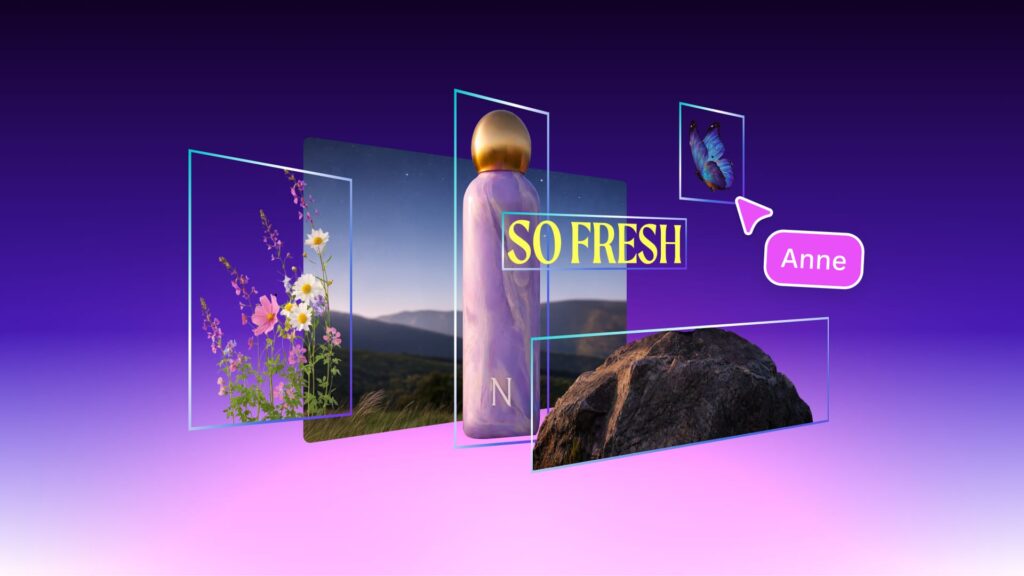
Thumbnail testing is one of the highest leverage things a YouTuber can do, and Canva’s AI-assisted design tools, background removal, Magic Design layout suggestions, text effects, make it realistic to produce a handful of thumbnail variants in the time it used to take to make one. You don’t need Photoshop skills to compete visually anymore.
Best for: solo creators without a dedicated designer who need to test multiple thumbnail concepts quickly.
5. Descript, for Transcript-Based Editing
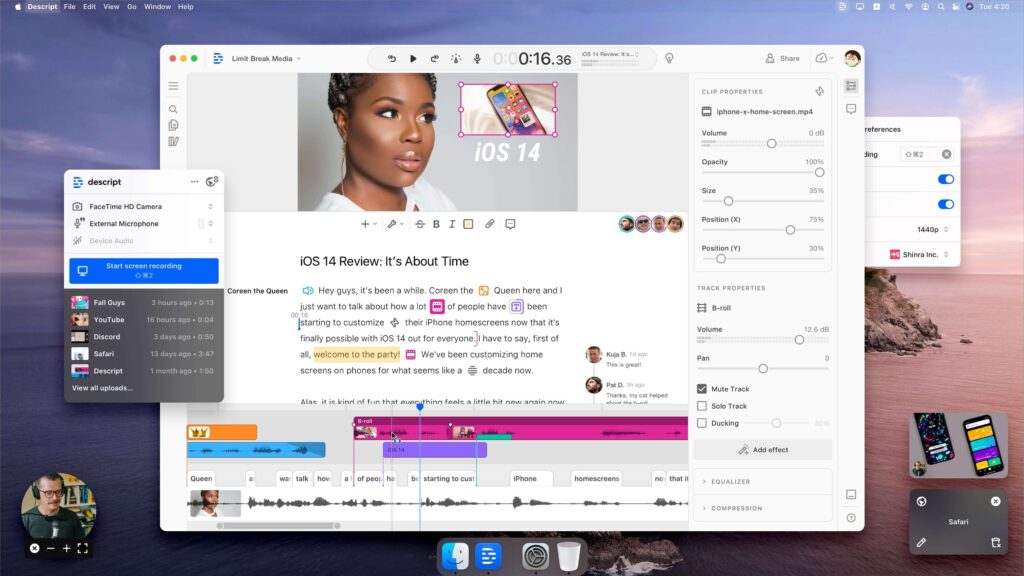
Descript flips the usual editing workflow, instead of scrubbing a timeline, you edit the written transcript and the video cuts along with it, delete a sentence, the matching video clip disappears too. For talking-head and interview-style content specifically, this is a genuinely different and often faster way to work than a traditional timeline editor.
Best for: talking-head videos, podcasts repurposed to YouTube, and interview content where dialogue drives the edit.
6. CapCut, for Fast, Shorts-Native Editing
CapCut built its reputation on mobile-first, Shorts-friendly editing, auto captions, trending audio syncing, quick transitions, all tuned for vertical, fast-turnaround content rather than long-form production. It’s free, which matters if Shorts are a volume play for your channel rather than a single polished monthly upload.
Best for: creators publishing Shorts regularly who need speed over deep manual control.

7. OpusClip, for Turning Long Videos Into Shorts
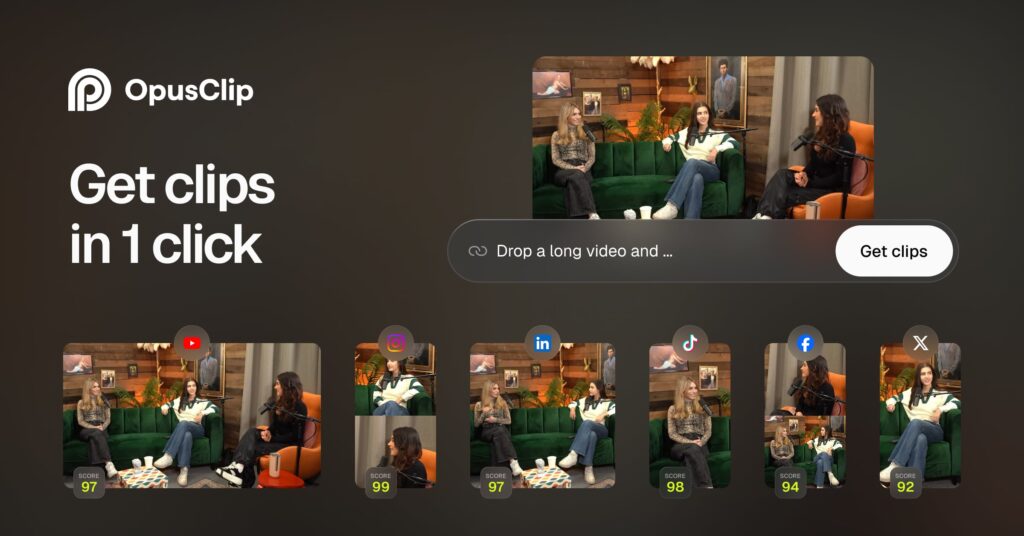
Paste in the link to your long-form upload, and OpusClip’s AI finds the moments most likely to work as standalone clips, crops to vertical, tracks the speaker’s face, and adds captions automatically. This is specifically about repurposing, not original editing, and it’s the step that makes posting Shorts consistently realistic without re-editing everything by hand.
Best for: long-form creators who want a Shorts presence without manually re-cutting every upload.
8. ElevenLabs, for AI Voiceover and Dubbing
If your channel is partially or fully faceless, voice quality carries the whole video, and ElevenLabs remains the clearest leader for natural-sounding AI narration. It also handles multilingual dubbing, which matters if you’re trying to reach audiences beyond your primary language without hiring voice talent for every version.
Best for: faceless channels, and any creator localizing content into multiple languages.
9. Adobe Podcast’s Speech Enhance, for Cleaning Up Bad Audio
This one’s narrow but genuinely useful, it takes rough audio, recorded on a phone mic, in an echoey room, with background noise, and cleans it up to sound closer to studio quality. It won’t fix a fundamentally bad recording, but for the gap between “usable” and “professional,” it’s one of the fastest wins on this entire list.
Best for: rescuing audio from an interview or location shoot that wasn’t recorded in ideal conditions.
10. Epidemic Sound, for AI-Assisted Music and SFX Search
Finding the right background track used to mean scrolling through endless mood tags. Epidemic Sound’s AI search lets you describe what you actually want, upbeat but not distracting, tense build before a reveal, in plain language and get relevant matches, plus licensing that’s actually built for YouTube monetization without copyright strikes.
Best for: avoiding the copyright claim headache that comes from using music you don’t have proper rights to.
11. HeyGen, for AI Avatars and Faceless Production
HeyGen generates a realistic talking avatar from a script, useful for creators who want a consistent on-screen presence without being on camera every time, or for scaling educational and explainer content where the same information needs to go out in multiple languages or formats. It’s not a replacement for genuine on-camera presence if that’s your channel’s identity, but for specific use cases, tutorials, explainers, multilingual versions, it closes a real production gap.
Best for: explainer and educational channels producing multilingual versions, or creators building a faceless brand from scratch.
Comparison Table
| Tool | Workflow Stage | Free Tier | Best For |
| VidIQ | Idea research | Yes | Validating ideas against real search demand |
| TubeBuddy | SEO and channel management | Yes | Bulk optimization of existing videos |
| ChatGPT / Claude | Scripting | Yes | Faster first drafts and outlines |
| Canva | Thumbnails | Yes | Quick, no-designer thumbnail testing |
| Descript | Editing | Yes | Transcript-based talking-head edits |
| CapCut | Editing | Yes | Fast, Shorts-native editing |
| OpusClip | Repurposing | Limited | Long-to-Shorts automation |
| ElevenLabs | Voiceover | Limited | Faceless channel narration |
| Adobe Podcast | Audio cleanup | Yes | Fixing rough recorded audio |
| Epidemic Sound | Music and SFX | Trial only | Copyright-safe background music |
| HeyGen | Avatar video | Limited | Multilingual explainer content |
How to Actually Build a Stack, Not Just Pick One Tool
Nobody needs all eleven of these on day one. A realistic starting stack for a new channel looks like VidIQ or TubeBuddy for idea validation, ChatGPT or Claude for scripting, Canva for thumbnails, and CapCut for editing, all of which have genuinely usable free tiers. Add ElevenLabs once voice quality becomes a bottleneck, and OpusClip once you have enough long-form content worth repurposing into Shorts. Paying for all eleven before you’ve published consistently for a few months is spending ahead of the problem you actually have.
If you’re also writing scripts, descriptions, or community posts and want help with the writing side specifically, our guide on 12 free AI tools that actually save content writers time covers that workflow in more depth. And if broader AI video generation, not just YouTube-specific tools, is something you’re exploring, our roundup of best AI video generator tools is worth a look too.
Frequently Asked Questions
Conclusion
The best AI stack for a YouTube channel isn’t one tool doing everything, it’s a handful of tools, each solving one real bottleneck in your actual production pipeline. Start with free-tier research, scripting, and editing tools, and add the paid, more specialized ones, voiceover, repurposing, avatars, only once you’ve identified exactly where your own workflow is slowing down. That’s a more honest way to build a stack than taking any single vendor’s “best of” list at face value.

Behind every post at digiinte.com is a team of experienced SEO analysts and digital growth specialists. Our insights are backed by real data, industry research, and hands-on campaign experience — so you get advice that actually moves the needle.