
Last Updated on October 22, 2026 by Digiinte.com Team
Key takeaways
- YouTube’s own paid plans are the most reliable way to watch offline. Premium Lite starts at $8.99 a month in the US, and full Premium is $15.99.
- If the video is yours, you can download it free from YouTube Studio, or export your whole library with Google Takeout.
- For footage you want to reuse, Creative Commons videos, Pexels, Pixabay, Vimeo (when the owner allows it) and the Internet Archive are cleaner sources than ripping someone else’s upload.
- Free online downloader sites carry real risk. The FBI’s Denver office has warned that fake file converter sites can install malware, including ransomware.
Most people searching for a YouTube downloader want one of three things: to watch a video without Wi-Fi, to keep a copy of their own upload, or to reuse a clip in a project. A downloader app is not the only way to get any of them, and often not the safest.
This guide covers nine alternatives to YouTube video downloaders, matched to what you are actually trying to do. Prices were checked from reports and official pages in October 2026 and change often, so confirm before you pay. One note up front: this article does not recommend or rank third-party downloader tools, and the reasons are in the next two sections.
Why look for a YouTube downloader alternative?
Three reasons come up again and again.
The first is the rules. YouTube’s terms of service restrict access to videos through any means other than its own playback pages and the features it provides. TechSmith’s guide to downloading YouTube videos quotes that wording and lists tools such as youtube-dl and 4K Video Downloader as methods that break it. I could not open YouTube’s terms page directly (it blocks automated reading), so read the terms yourself if the details matter for your use.
The second is safety. In March 2025, Malwarebytes reported that the FBI Denver Field Office was warning about a rising number of scam sites offering free file conversion that load malware instead. The FBI said the malware can lead to ransomware, and Malwarebytes added that the worst case is an information stealer that collects personal details, financial information, session tokens and email addresses. That warning covered file converters in general, not only YouTube sites, but video converters sit in the same risky corner of the web.
The third is practical. Downloaders break whenever YouTube changes something, and many online ones are packed with ads and pop-ups.
Is it legal to download YouTube videos?
It depends on the video and the use, and this is not legal advice. Downloading without the owner’s permission, or without a feature YouTube provides, breaks YouTube’s terms. Copyright is a separate question. A video you uploaded is yours to keep. A video someone else made is theirs, even if it is free to watch. Fair use in the US is judged case by case, so it is a weak plan for anything you intend to publish. Outside the US, the rules differ again.
The safe path is simple: use a download feature the platform offers, download your own content, or pick media that comes with a license that says you can.
What are the best alternatives to YouTube video downloaders?
Here is the quick comparison before the detail.
| Option | Best for | Cost | Main limit |
| YouTube Premium | Offline viewing, music included | $15.99/month (US) | Plays in the app only |
| YouTube Premium Lite | Cheaper offline viewing | $8.99/month (US) | No music, no Shorts |
| YouTube Studio | Your own uploads | Free | Your videos only, 720p or 360p |
| Google Takeout | Backing up everything you uploaded | Free | Your videos only, large files |
| Creative Commons filter | Reusing others’ videos with credit | Free | Small share of YouTube |
| Pexels | Free stock video clips | Free | Stock footage, not YouTube content |
| Pixabay | Free stock video and music | Free | Same |
| Vimeo | Videos the owner lets you save | Free | Only if the owner turned downloads on |
| Internet Archive | Older films, public domain material | Free | Mixed licenses, check each item |
1. YouTube Premium: the official way to watch offline
Best for: anyone who just wants to watch on a plane, a commute or a weak connection.
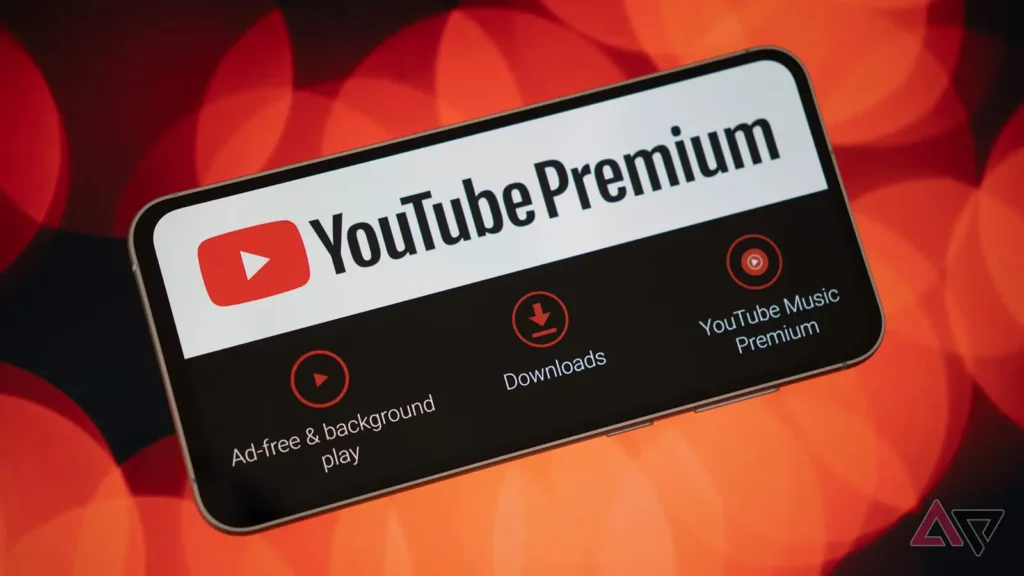
Premium lets you save videos inside the YouTube app and, on a computer, in Chrome, Edge, Firefox or Opera. Downloaded videos can be played offline for up to 29 days, and then you need to reconnect so YouTube can check availability. In some countries the window is 48 hours. You choose the download quality in Settings, and higher quality takes more storage.
The US price rose in 2026. 9to5Google reports the individual plan at $15.99 a month, up from $13.99, with existing subscribers moving to the new price from their June 2026 billing date. The plan also includes YouTube Music Premium, so if you pay for a separate music service, the math gets better.
The catch: the files stay inside the app. You cannot move them to another device or edit them. If you want footage for a project, this is the wrong tool.
2. YouTube Premium Lite: the cheaper offline option
Best for: people who watch regular videos and do not care about music.
YouTube added background play and downloads to Lite in February 2026, when it cost $7.99 a month. 9to5Google lists the new US price as $8.99. Lite still shows ads on music videos and Shorts, and downloads and background play do not apply to that content. Engadget notes that both features cover most videos, not all, and PopSci points out that full Premium includes YouTube Music while Lite does not.
Pick Lite if you mostly watch tutorials, talks and long-form videos. Pick full Premium if you use YouTube Music or want Shorts and music content included.
3. YouTube Studio: download your own videos free
Best for: creators who lost the original file or want to re-edit an old upload.
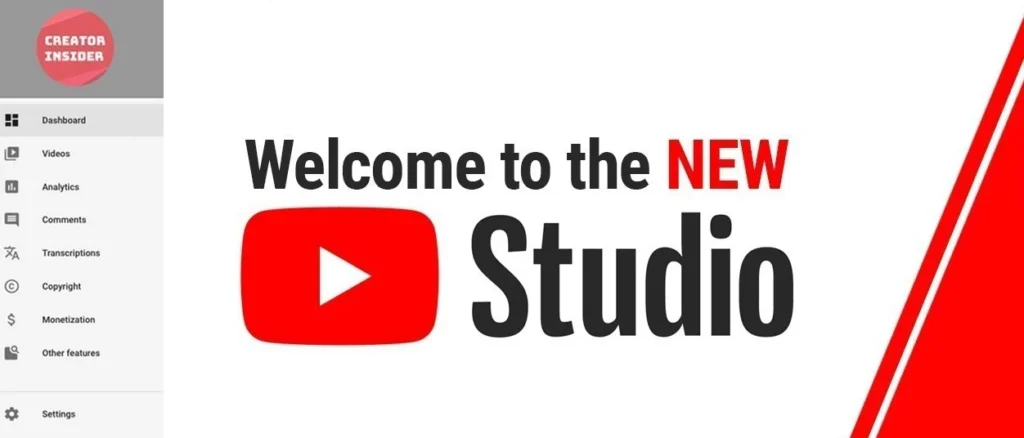
Sign in to YouTube Studio, open Content, hover over a video, open the menu and choose Download. You get an MP4. YouTube’s help page lists the limits: the file is 720p or 360p depending on size, you can download the same video up to five times in 24 hours, and you cannot download videos with a copyright or Community Guidelines strike. It only works for videos you uploaded.
This is also the cleanest answer if you wanted a downloader to grab your own content. Studio keeps it in your account and costs nothing.
4. Google Takeout: back up your whole channel
Best for: exporting every video you ever uploaded.
Studio is fine for one file. For a full library, YouTube’s help page points to Google Takeout. How-To Geek’s walkthrough: choose YouTube and YouTube Music, narrow it to Videos, pick a delivery method (a download link, Drive or another cloud service), choose a .zip or .tgz file and a split size as small as 1GB, then create the export. You can also schedule the export every two months for a year.
Expect big files. Plan storage before you start, and take the cloud delivery option if your hard drive is tight.
5. YouTube’s Creative Commons filter
Best for: reusing a clip in your own video with proper credit.
YouTube lets creators mark videos with a CC BY license. In search, choose Creative Commons from the filters to find them. YouTube’s help page says that if you reuse CC BY work you must credit the creator, including the title, author, source URL and license. You can do that with a text overlay or voiceover.
Two cautions. The help page does not address downloading, so how you get the file still matters; the cleanest route is to ask the creator for the original. And a video being on YouTube does not make it CC. Check the description for the license, since only the creator can grant it.
6. Pexels: free stock video without the risk
Best for: b-roll, backgrounds and social clips.
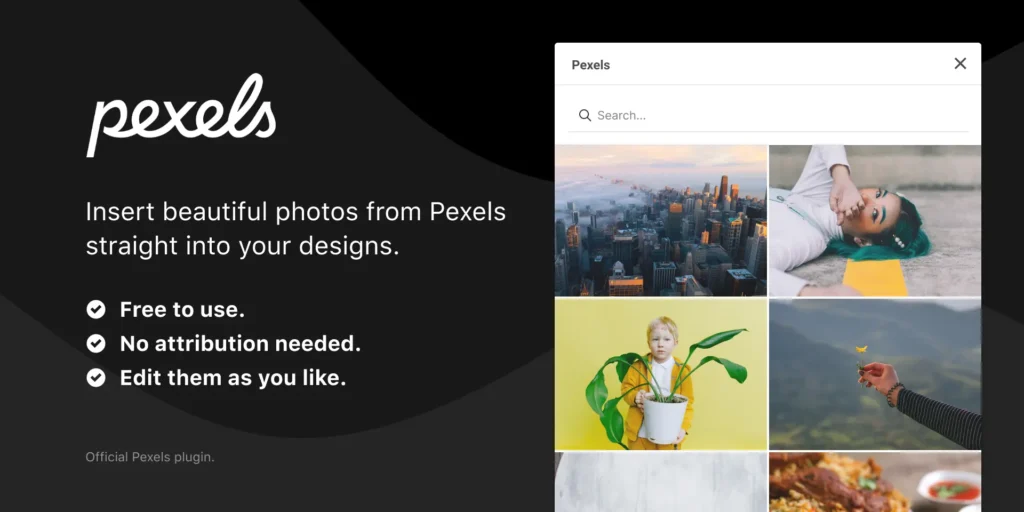
Pexels states that all its photos and videos can be downloaded and used for free, and that you can modify them. Attribution is not required, though it is appreciated. You cannot sell unaltered copies, redistribute the footage on other stock sites, or imply that the people or brands in it endorse your product.
If you were hunting for a downloader just to find generic footage, this skips the whole problem.
7. Pixabay: stock video and music under one license
Best for: the same jobs as Pexels, plus music and sound.
Pixabay’s Content License lets you use content for free, modify it, and use it without attribution. It prohibits selling content on a standalone basis, using recognizable trademarks or logos commercially (printing on merchandise, for example), and misleading or illegal uses. Pixabay also warns that some content may carry separate rights, such as a person’s likeness, and that checking is your responsibility.
Read the license on both sites once. They are short, and they are what stands between you and a takedown notice.
8. Vimeo: download when the owner allows it
Best for: portfolios, short films and creator work.
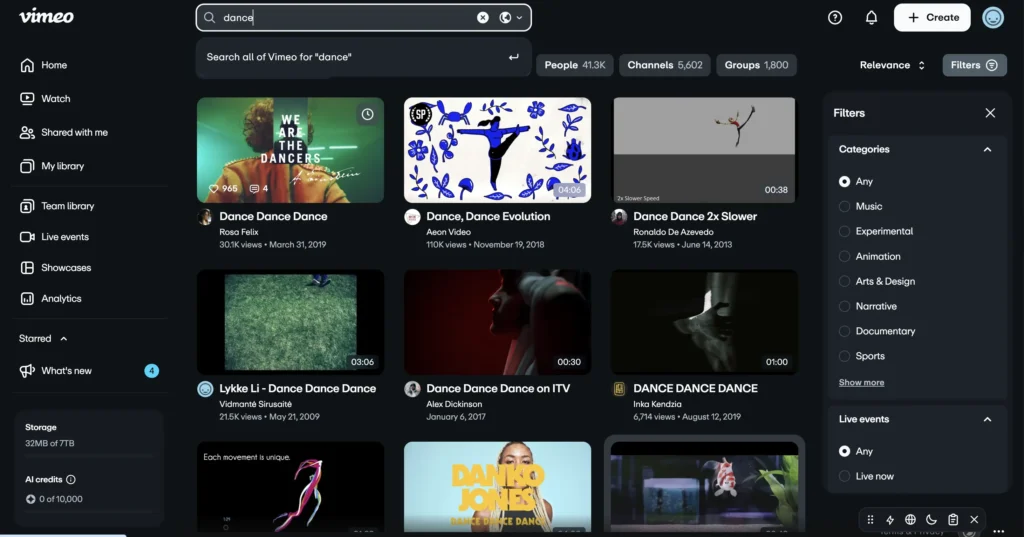
Vimeo’s help center says you can download a video if the owner enabled downloads. Creators can turn this on or off per video, and when it is on, a download button appears on the page. Bulk downloads are not supported, so you save one video at a time.
If a video you want is on Vimeo and has no download button, the owner said no. That is a decision worth respecting, and you can message them to ask.
9. Internet Archive: older and public domain video
Best for: historical footage, old films and educational material.
The Internet Archive hosts a large collection of moving images, and many items offer download links. Licensing varies from public domain to copyrighted works uploaded under various terms, so treat each item as its own case and read the rights information on the page. Wikimedia Commons is worth checking for the same reason, since its files are meant to be freely reusable, though each carries its own license and credit rules. I could not load either site’s collection pages during research, so I am not giving file counts here.
Which alternative should you choose?
Match it to your goal:
- Watching offline: Premium Lite if you skip music, Premium if you want it.
- Saving your own video: YouTube Studio for one file, Takeout for everything.
- Reusing footage in a project: Pexels, Pixabay, or a Creative Commons YouTube video with credit.
- Finding rare or older footage: Internet Archive, with the license checked.
- Using someone else’s video you cannot get another way: ask the creator. A short message often works, and some creators list contact details on their channel.
How can you stay safe if you still use a downloader site?
I would avoid them, but if you do, a few habits lower the risk:
- Do not install software from a site that pushes you to download an “updater” or a browser extension first.
- Close pop-ups without clicking. Never enter your Google login on a downloader page.
- Keep active anti-malware protection running. Malwarebytes suggests this along with a browser extension that blocks malicious sites.
- If something went wrong, change your passwords from a clean device, tell your bank, and report it to the FBI’s Internet Crime Complaint Center (IC3).
Frequently asked questions
Pick the option that fits the job
Offline watching, your own files and licensed footage each have a clean answer, and none needs a sketchy downloader. Start with the one that matches your goal and keep a note of the license for anything you reuse.
If you want help with a content or search plan for your own site, Digiinte’s professional SEO services cover planning, content and link building.

Behind every post at digiinte.com is a team of experienced SEO analysts and digital growth specialists. Our insights are backed by real data, industry research, and hands-on campaign experience — so you get advice that actually moves the needle.