
Last Updated on May 28, 2026 by Digiinte.com Team
Key Takeaways
✅ Slow Shopify stores lose customers in under 3 seconds
✅ Speed optimization apps can boost your Shopify speed score by 20 to 40 points
✅ The best apps handle image compression, lazy loading, code minification and CDN delivery
✅ Some great options are completely free to get started
✅ Using too many speed apps at once can actually slow your store down
✅ Always test your speed score before and after installing any app ✅ Pick one or two focused apps rather than installing everything at once
If your Shopify store is slow, you are losing sales every single day. It is that simple.
- Why Your Shopify Store Speed Matters More Than Ever in 2026
- Top Shopify Speed Optimization Apps in 2026 at a Glance
- Best Shopify Speed Optimization Apps Reviewed
- How to Choose the Right Shopify Speed App for Your Store
- Pro Tips for Using Shopify Speed Apps Effectively
- Quick Shopify Speed Optimization Checklist
- Frequently Asked Questions (FAQ)
- Final Thoughts: Which Shopify Speed App Should You Choose?
Research from Google shows that 53 percent of mobile shoppers abandon a site that takes more than 3 seconds to load. And with competition in eCommerce getting tougher every year, store speed is no longer optional. It is a survival skill.
The great news is that you do not need to be a developer or spend thousands on custom coding to fix this. There are powerful Shopify apps that handle the heavy lifting for you, from compressing images and enabling lazy loading to minifying code and setting up a CDN.
In this guide, we have rounded up the best Shopify speed optimization apps in 2026, both free and paid, so you can pick the right one for your store and start seeing real results.
Let us get into it.
Why Your Shopify Store Speed Matters More Than Ever in 2026
Before we look at the apps, let us quickly understand what is at stake.
Google officially uses page speed as a ranking factor. Your position in search results is partly determined by how fast your pages load. On top of that, Google measures Core Web Vitals scores, including LCP (Largest Contentful Paint), INP (Interaction to Next Paint) and CLS (Cumulative Layout Shift). If your scores are poor, your organic traffic suffers.
Here is what slow page speed really costs you:
- A 1 second delay reduces conversions by up to 4.42 percent
- Higher bounce rates mean Google thinks your content is not helpful
- Mobile shoppers are the most impatient, and they make up over 70 percent of eCommerce traffic
- Every extra second of load time costs you real money in abandoned carts
Speed optimization apps fix these problems without requiring you to touch a single line of code yourself. They automate the most impactful performance improvements so you can focus on running your business.
👉 Want a full breakdown of every speed fix available? Read our guide: How to Improve Shopify Store Speed: 10 Proven Optimization Tips
Top Shopify Speed Optimization Apps in 2026 at a Glance
Here is a quick comparison of the top apps covered in this guide:
| App | What It Does | Best For | Rating | Pricing |
| TinyIMG | Image compression, lazy load, alt text automation, SEO fixes | All store sizes | ⭐ 4.9 | Free plan |
| Booster SEO | Speed + SEO all in one, image optimizer, meta fixer | SEO focused stores | ⭐ 4.7 | Free plan |
| Crush.pics | Bulk image compression and WebP conversion | Image heavy stores | ⭐ 4.8 | Free plan |
| Hyperspeed | Full speed suite: minify, CDN, lazy load, remove scripts | Growing stores | ⭐ 4.6 | Paid only |
| PageFly | Landing page builder with built in speed optimization | Custom pages | ⭐ 4.8 | Free plan |
| Plug in Speed | Removes unused JS and CSS, defers scripts, lazy loads | Developers | ⭐ 4.5 | Paid only |
| Swift | Lightweight speed booster with one click optimization | Beginners | ⭐ 4.7 | Free plan |
Best Shopify Speed Optimization Apps Reviewed
1. TinyIMG: Best Overall Shopify Speed App
TinyIMG is hands down one of the most popular and well rounded speed apps on the Shopify App Store. It was built specifically to tackle the biggest performance issue most stores face: unoptimized images.
What TinyIMG Does:
- Automatically compresses images as you upload them to Shopify
- Converts images to WebP format for faster loading
- Adds lazy loading to all off screen images
- Bulk optimizes your existing product catalog
- Automatically generates SEO friendly alt text for all images
- Removes broken image links and fixes 404 errors
Who It Is Best For:
TinyIMG is perfect for any store with a large image catalog. If you sell physical products and have hundreds of product photos, this app will deliver an immediate and noticeable improvement in your store speed.
👉 Not sure which image format or compression method to use alongside TinyIMG? This guide covers everything: How to Optimize Images for Shopify (Formats, Compression and Lazy Loading)
⭐ Shopify Rating: 4.9 out of 5 | 💰 Pricing: Free plan available, paid plans from $9.99 per month
2. Booster SEO and Image Optimizer: Best for SEO Plus Speed
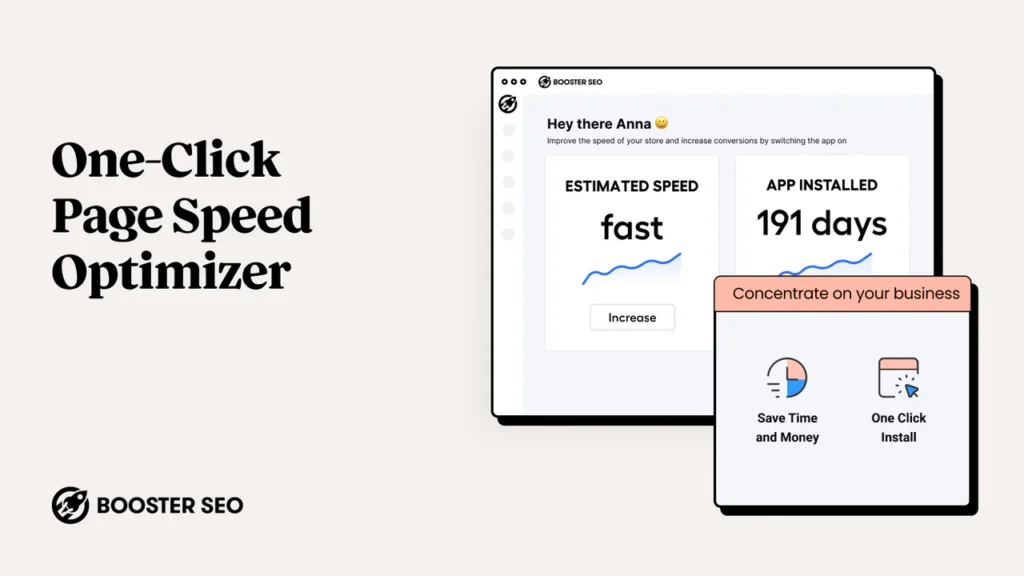
Booster SEO is not just a speed app. It is a complete SEO and performance platform that covers everything from image compression to meta tag fixes, broken link repair, and structured data. If you want one app that does both SEO and speed, this is it.
What Booster SEO Does:
- Compresses and lazy loads all store images
- Fixes missing and duplicate meta titles and descriptions
- Adds JSON LD structured data for better search appearance
- Identifies and fixes broken links automatically
- Monitors your store speed score over time
Who It Is Best For:
Store owners who want to combine speed optimization with broader SEO improvements in a single dashboard. It saves time by combining two jobs into one app.
⭐ Shopify Rating: 4.7 out of 5 | 💰 Pricing: Free plan available, pro plans from $34 per month
3. Crush.pics: Best for Bulk Image Compression
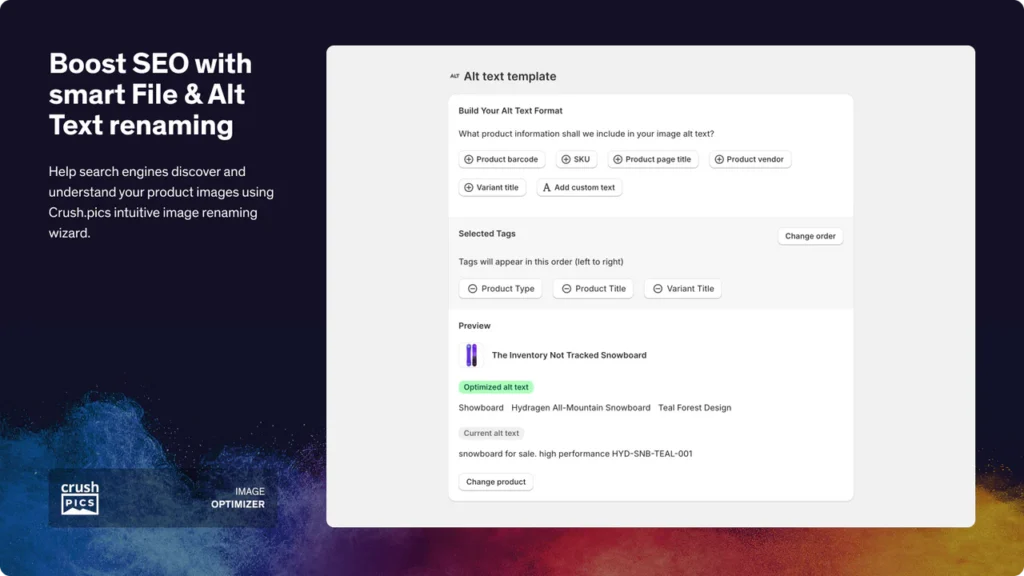
Crush.pics focuses on doing one thing very well: compressing your store images at scale. It supports both lossy and lossless compression so you can choose between maximum size reduction or perfect visual quality.
What Crush.pics Does:
- Bulk compresses all product, collection, and blog images
- Converts images to WebP format automatically
- Lets you choose lossy or lossless compression per image
- Offers a restore function in case you want to go back to originals
- Processes new images automatically as they are uploaded
Who It Is Best For:
Stores with a large existing catalog that has never been image optimized. If you have 500 or more product images sitting unoptimized in your store, Crush.pics can fix all of them in one go.
⭐ Shopify Rating: 4.8 out of 5 | 💰 Pricing: Free plan for up to 50 images per month, paid plans from $4.99 per month
4. Hyperspeed: Best Full Speed Suite
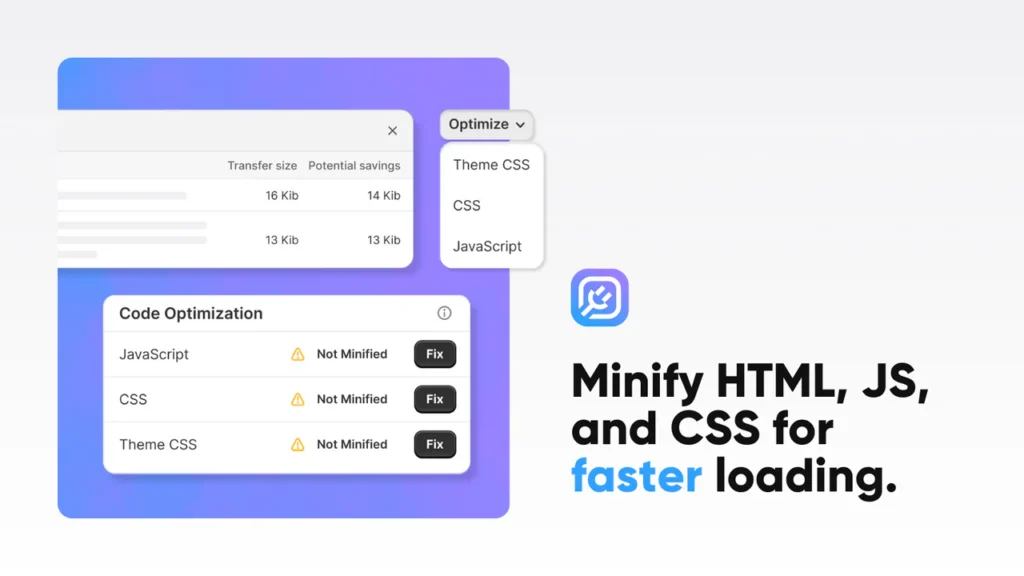
Hyperspeed is the most comprehensive speed optimization app on this list. It goes beyond just images and tackles your entire store codebase, removing unused scripts, minifying CSS and JavaScript, enabling lazy loading, and integrating with a CDN for global fast delivery.
What Hyperspeed Does:
- Minifies CSS, JavaScript, and HTML to reduce file size
- Removes unused CSS and defers render blocking scripts
- Enables lazy loading for images and videos
- Sets up a CDN for faster global delivery
- Scans your theme for leftover app code and removes it
- Optimizes your Google Fonts loading method
Who It Is Best For:
Established stores that have tried basic image optimization and want to go deeper. Hyperspeed is ideal for stores that have a lot of installed apps and accumulated technical debt in their theme code.
👉 Before running Hyperspeed, clean out your leftover app scripts first for the best results: How to Remove Unused Apps and Scripts from Your Shopify Store
⭐ Shopify Rating: 4.6 out of 5 | 💰 Pricing: Paid only, plans start from $39 per month

5. Plug In Speed: Best for Developers and Technical Users
Plug In Speed was designed with more technical store owners and developers in mind. It gives you granular control over which scripts and stylesheets are deferred, removed, or lazy loaded on specific pages.
What Plug In Speed Does:
- Defers non critical JavaScript to speed up initial page render
- Removes unused CSS on a per page basis
- Lazy loads images, videos, and iframes
- Lets you exclude specific scripts from optimization if needed
- Works with most popular Shopify themes
Who It Is Best For:
Store owners who have some technical knowledge and want fine grained control over their speed optimization settings. Not the best choice for complete beginners.
⭐ Shopify Rating: 4.5 out of 5 | 💰 Pricing: Paid only, plans from $29 per month
6. Swift: Best Free Speed App for Beginners
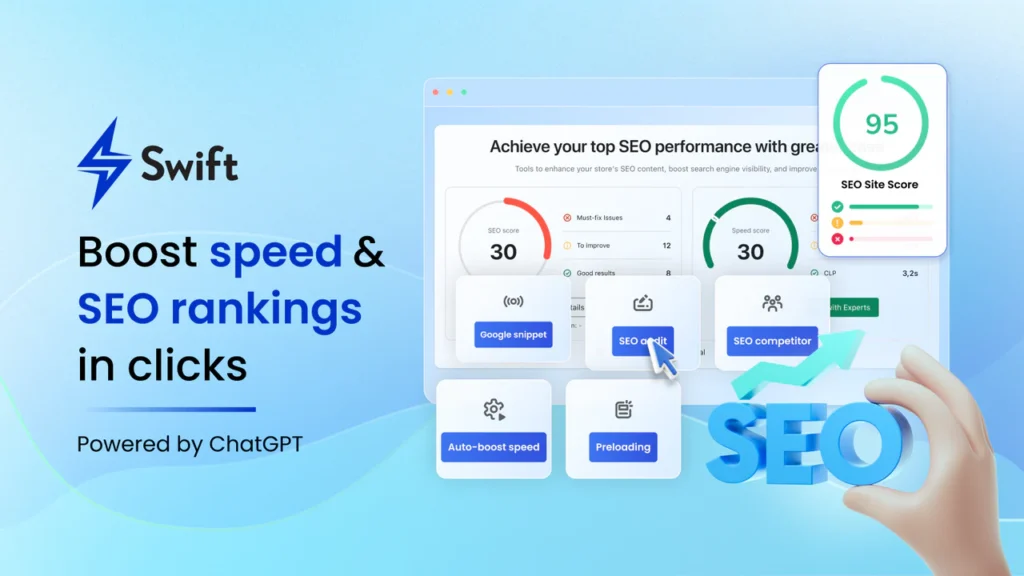
Swift is the simplest speed optimization app on this list and that is actually its biggest strength. If you are new to Shopify and do not want to deal with complex settings and dashboards, Swift gets you results with just a few clicks.
What Swift Does:
- Enables lazy loading for all images in one click
- Preloads critical page resources for faster first load
- Defers non essential scripts automatically
- Optimizes how your theme loads Google Fonts
- Provides a simple before and after speed score comparison
Who It Is Best For:
Beginners and small store owners who want quick results without a steep learning curve. Swift is a great starting point before you consider more advanced tools.
⭐ Shopify Rating: 4.7 out of 5 | 💰 Pricing: Free plan available, paid plans from $14.99 per month
How to Choose the Right Shopify Speed App for Your Store
With so many options available, the right choice depends on where your biggest speed issues are coming from. Here is a simple guide to help you decide:
| Your Situation | Best App to Start With |
| You have lots of product images and they are slowing you down | TinyIMG or Crush.pics |
| You want to fix SEO and speed at the same time | Booster SEO and Image Optimizer |
| You are a beginner and want a simple one click fix | Swift |
| You have tried basic fixes and still score poorly | Hyperspeed |
| You want full control and are comfortable with settings | Plug In Speed |
| You are on a tight budget and want a free option | TinyIMG free plan or Swift free plan |
Pro Tips for Using Shopify Speed Apps Effectively
Installing a speed app is just the first step. Here are some tips to get the most out of whichever app you choose:
- Test your baseline speed first. Before installing any app, run your store through Google PageSpeed Insights and note your current scores. This gives you a benchmark to measure improvement against.
- Do not install too many speed apps at once. Each app adds its own scripts to your store. Installing three or four speed apps can actually make things slower, not faster. Pick one or two that cover your main needs.
- Combine speed apps with a cleanup. Remove any unused apps from your store before or alongside installing a speed app. Leftover scripts from deleted apps are one of the most common causes of poor speed scores.
- Test on mobile first. Google uses mobile first indexing, which means your mobile speed matters more than desktop for SEO. Always check your PageSpeed Insights mobile score, not just desktop.
- Test your speed after every change. Whether you install a new app, add a new product image, or update your theme, run a speed test afterward to track the impact.
- Make speed optimization a monthly habit. Set aside time each month to audit your apps, check your speed score, and ensure everything is still running smoothly.
Quick Shopify Speed Optimization Checklist
Use this checklist alongside your speed app to make sure you are covering all the bases:
☑️ Install one focused speed app from this list
☑️ Compress all existing product and collection images
☑️ Enable lazy loading for all off screen images
☑️ Remove or uninstall any apps you no longer use
☑️ Check for and remove leftover scripts from deleted apps
☑️ Minify CSS and JavaScript files if your app supports it
☑️ Enable WebP image format serving
☑️ Use a lightweight, modern Shopify theme
☑️ Test speed on both mobile and desktop using PageSpeed Insights
☑️ Check your Shopify Speed Dashboard monthly
Frequently Asked Questions (FAQ)
Final Thoughts: Which Shopify Speed App Should You Choose?
Slow stores cost real money. Every second of delay is a potential customer walking out the door. The apps we have covered in this guide give you everything you need to fix that, regardless of your budget, technical skill level, or store size.
If you are just getting started, install TinyIMG or Swift on the free plan today, run a before and after speed test, and see the difference for yourself. If your store has more complex performance issues, Hyperspeed or Plug In Speed will give you the deeper control you need. The most important thing is to start. A faster store is not just a better user experience. It is a higher ranking, a lower bounce rate, and more revenue in your pocket.
🔗 Related Reads:
• How to Improve Shopify Store Speed: 10 Proven Optimization Tips
• How to Optimize Images for Shopify (Formats, Compression and Lazy Loading)
• How to Add FAQ Schema in Shopify
• How to Create a Dynamic FAQ Section on Shopify Collection Pages
